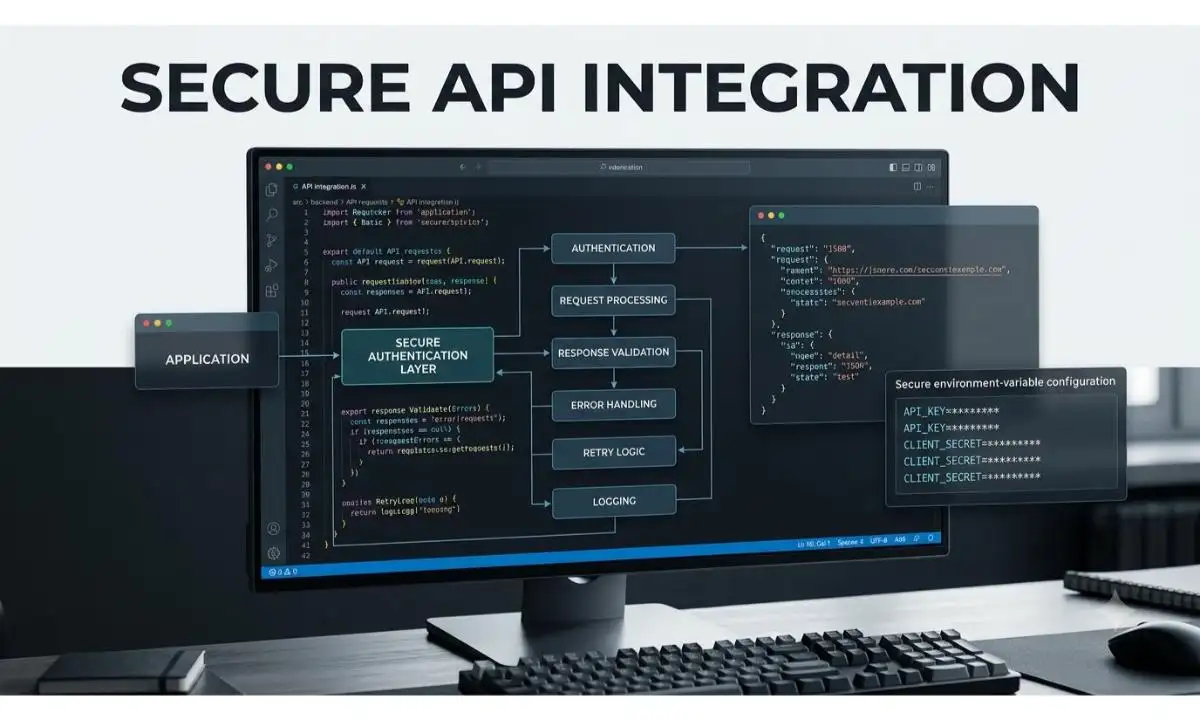
API Integration Prompt (प्रीमियम API Integration Prompt)
“API Integration Prompt की मदद से ChatGPT, Claude और अन्य AI टूल्स से Secure और Production-Ready API Integration तैयार करें। यह प्रीमियम Prompt REST API, Payment Gateway, AI API, Authentication, Error Handling और Response Validation के लिए उच्च गुणवत्ता वाला समाधान प्रदान करता है।”
API Integration Prompt की मदद से ChatGPT और Claude से Secure, Production-Ready API Integration Code बनाएं। REST API, Payment Gateway, Authentication और Web API Integration के लिए प्रीमियम AI Prompt।
अगर आप AI की मदद से REST API, Third-Party API, Payment Gateway, AI API या किसी भी Web API को अपनी वेबसाइट या एप्लिकेशन में जोड़ना चाहते हैं, तो यह API Integration Prompt आपके लिए एक प्रीमियम समाधान है। इस Prompt की मदद से ChatGPT, Claude, Gemini और अन्य AI मॉडल्स सुरक्षित, स्केलेबल और Production-Ready API Integration Code तैयार कर सकते हैं।
API Integration Prompt उपयोग करने की गाइड
अगर आप किसी Third-Party API या अपनी खुद की API को वेबसाइट या ऐप में जोड़ना चाहते हैं, तो यह Prompt आपका काफी समय बचा सकता है।
सबसे पहले ऊपर दिया गया हिंदी या अंग्रेज़ी Prompt कॉपी करें और ChatGPT, Claude या Gemini में पेस्ट करें। अब [ ] वाले सभी स्थानों पर अपनी परियोजना की जानकारी भरें।
उदाहरण के लिए यदि आपको Weather API जोड़नी है, तो API Provider, Authentication Method, Request Type और Expected Response स्पष्ट रूप से लिखें।
अगर API Key, OAuth, JWT या Bearer Token का उपयोग करना है, तो उसे भी Prompt में शामिल करें। साथ ही यह भी बताएँ कि आपको Error Handling, Retry Logic या Logging चाहिए या नहीं।
Prompt चलाने के बाद AI आपको Integration Strategy, आवश्यक Libraries, API Code, Request और Response Examples, Security Best Practices तथा Testing Guide देगा।
यदि आउटपुट में बदलाव चाहिए, जैसे Async Requests, Webhooks या Caching जोड़नी हो, तो आप AI को अतिरिक्त निर्देश देकर और बेहतर समाधान प्राप्त कर सकते हैं।
❓ FAQs – API Integration Prompt
API Integration Prompt क्या है?
API Integration Prompt एक विशेष AI Prompt है जो ChatGPT, Claude और अन्य AI मॉडल्स को सुरक्षित, व्यवस्थित और Production-Ready API Integration तैयार करने के लिए विस्तृत निर्देश देता है।
क्या यह Prompt REST API और GraphQL दोनों के लिए उपयोगी है?
हाँ। आप Prompt में API Type चुनकर REST API, GraphQL, SOAP, Webhooks और अन्य Custom APIs के लिए उपयुक्त Integration Code प्राप्त कर सकते हैं।
क्या इस Prompt से Payment Gateway Integration भी किया जा सकता है?
बिल्कुल। आप Stripe, Razorpay, PayPal या अन्य Payment Gateway की जानकारी देकर सुरक्षित Payment API Integration तैयार कर सकते हैं।
क्या AI द्वारा बनाया गया API Integration Code सुरक्षित होता है?
यदि Prompt में Security Requirements जैसे Environment Variables, HTTPS, Authentication, Input Validation और Error Handling स्पष्ट रूप से दी गई हों, तो AI अधिक सुरक्षित और व्यवस्थित समाधान तैयार करने की कोशिश करता है। फिर भी Production में उपयोग से पहले परीक्षण और समीक्षा आवश्यक है।
क्या यह Prompt ChatGPT और Claude दोनों में काम करता है?
हाँ। यह Prompt ChatGPT, Claude, Gemini और अधिकांश आधुनिक AI प्लेटफ़ॉर्म के साथ प्रभावी ढंग से काम करता है और विभिन्न प्रकार के API Integration Solutions तैयार कर सकता है।
क्या इस Prompt से Authentication और Error Handling भी मिलती है?
हाँ। Prompt में API Key, OAuth 2.0, JWT, Bearer Token, Error Handling, Retry Logic, Logging और Response Validation जैसी आवश्यकताओं को शामिल किया जा सकता है।
सबसे अच्छा API Integration Prompt कौन सा है?
सबसे प्रभावी API Integration Prompt वही होता है जिसमें API Provider, Authentication Method, Request Type, Input Data, Expected Response, Security Requirements और Error Handling की पूरी जानकारी स्पष्ट रूप से दी गई हो। इससे AI अधिक सटीक, सुरक्षित और Production-Ready Integration तैयार कर सकता है।
📋 AI Prompt
आप एक विश्वस्तरीय Backend Developer, API Integration Expert, Software Architect और Security Specialist हैं।मुझे एक सुरक्षित और Production-Ready API Integration तैयार करनी है।प्रोजेक्ट की जानकारी:• Project Name:
[यहाँ लिखें]• Programming Language:
[PHP / Python / JavaScript / Node.js / React / Laravel / Django / Other]• API Type:
[REST API / GraphQL / SOAP / Webhook / Custom API]• API Provider:
[OpenAI / Stripe / Razorpay / Google Maps / Firebase / Custom API / Other]• API Documentation:
[URL या विवरण]• Authentication Method:
[API Key / OAuth 2.0 / JWT / Bearer Token / Basic Auth]• Request Method:
[GET / POST / PUT / DELETE]• Input Data:
[यहाँ लिखें]• Expected Response:
[JSON / XML / Other]• Error Handling चाहिए?
[Yes / No]• Retry Mechanism चाहिए?
[Yes / No]• Logging चाहिए?
[Yes / No]• Security Requirements:
[HTTPS / Rate Limiting / Input Validation / Environment Variables]इन जानकारियों के आधार पर ऐसा Solution तैयार करें जो—✔ Secure API Integration करे।✔ Clean और Modular Code उपयोग करे।✔ Error Handling शामिल करे।✔ Timeout और Retry Logic दे।✔ Logging Support जोड़े।✔ Environment Variables का उपयोग करे।✔ API Response Validation करे।✔ Best Practices का पालन करे।Output का क्रम:1. Integration Strategy2. Required Libraries3. API Integration Code4. Request & Response Example5. Error Handling6. Security Best Practices7. Performance Tips8. Testing Guide9. Future Improvementsयदि जानकारी अधूरी हो, तो Professional Default Values का उपयोग करें।
Act as a world-class Backend Developer, API Integration Expert, Software Architect, and Security Specialist.Create a secure, production-ready API integration based on the following requirements.Project Details:Project Name:
[Enter Name]Programming Language:
[PHP / Python / JavaScript / Node.js / React / Laravel / Django]API Type:
[REST API / GraphQL / SOAP / Webhook]API Provider:
[OpenAI / Stripe / Razorpay / Firebase / Google Maps / Custom API]Documentation:
[Enter Details]Authentication:
[API Key / OAuth 2.0 / JWT / Bearer Token]HTTP Method:
[GET / POST / PUT / DELETE]Input:
[Describe]Expected Response:
[JSON / XML]Error Handling:
[Yes / No]Retry Logic:
[Yes / No]Logging:
[Yes / No]Requirements:• Secure Integration• Modular Code• Error Handling• Retry Logic• Logging• Environment Variables• Response Validation• Production ReadyProvide:1. Integration Strategy2. Required Libraries3. API Code4. Request & Response Examples5. Error Handling6. Security Best Practices7. Performance Optimization8. Testing Guide9. Future EnhancementsIf any information is missing, intelligently generate professional placeholder values.
📤 AI Output Example
मान लीजिए आपने Weather Forecast API को अपनी वेबसाइट में जोड़ने के लिए यह Prompt इस्तेमाल किया है।AI सबसे पहले Integration Strategy बताएगा और आवश्यक Libraries जैसे requests (Python) या axios (JavaScript) की सिफारिश करेगा। इसके बाद API Key को Environment Variables में सुरक्षित रखने का सुझाव देगा।फिर GET Request का पूरा उदाहरण देगा, जिसमें City Name भेजकर JSON Response प्राप्त किया जाएगा। Response से Temperature, Humidity और Weather Condition निकालकर उपयोगकर्ता को दिखाने का तरीका भी समझाया जाएगा।यदि API उपलब्ध न हो या Timeout हो जाए, तो AI उचित Error Handling और Retry Logic भी जोड़ेगा। इसके साथ Logging, Response Validation और Rate Limiting जैसी सुरक्षा संबंधी सलाह भी देगा।अंत में Testing Guide, Mock API के उपयोग के सुझाव और भविष्य में Caching, Webhooks या Multiple API Providers जोड़ने के तरीके बताए जाएँगे, जिससे पूरा Integration अधिक तेज़, सुरक्षित और Production-Ready बन सके।
📩 हमसे संपर्क करें
कोई सवाल, सुझाव या समस्या? नीचे दिए गए फॉर्म से हमें लिखें – हम जल्द से जल्द जवाब देंगे।
✍️ लेखक के बारे में
Prabhuwan Mishra
मैं Prabhuwan Mishra AIHelpHindi.com का Founder और Content Creator हूं। मैं AI Tools, Prompt Engineering, Online Earning, Digital Skills और Automation के क्षेत्र में गहरी रुचि रखता हूं।
AIHelpHindi के माध्यम से मैं सरल हिंदी भाषा में प्रैक्टिकल गाइड्स, AI Apps की जानकारी, Prompt Tutorials और Online Income Strategies साझा करता हूं, जिससे कि भारत के छात्र, फ्रीलांसर और डिजिटल क्रिएटर्स नई तकनीक का सही उपयोग करके आगे बढ़ सकें।
मेरा उद्देश्य है कि AI और Digital Skills की सही जानकारी हिंदी में उपलब्ध हो, जिससे हर व्यक्ति टेक्नोलॉजी का लाभ उठा सके। मैं विशेष रूप से AI Tools Reviews, Freelancing Guides, Blogging with AI और Passive Income Methods पर नई- नई जानकारी लिखता हूं।